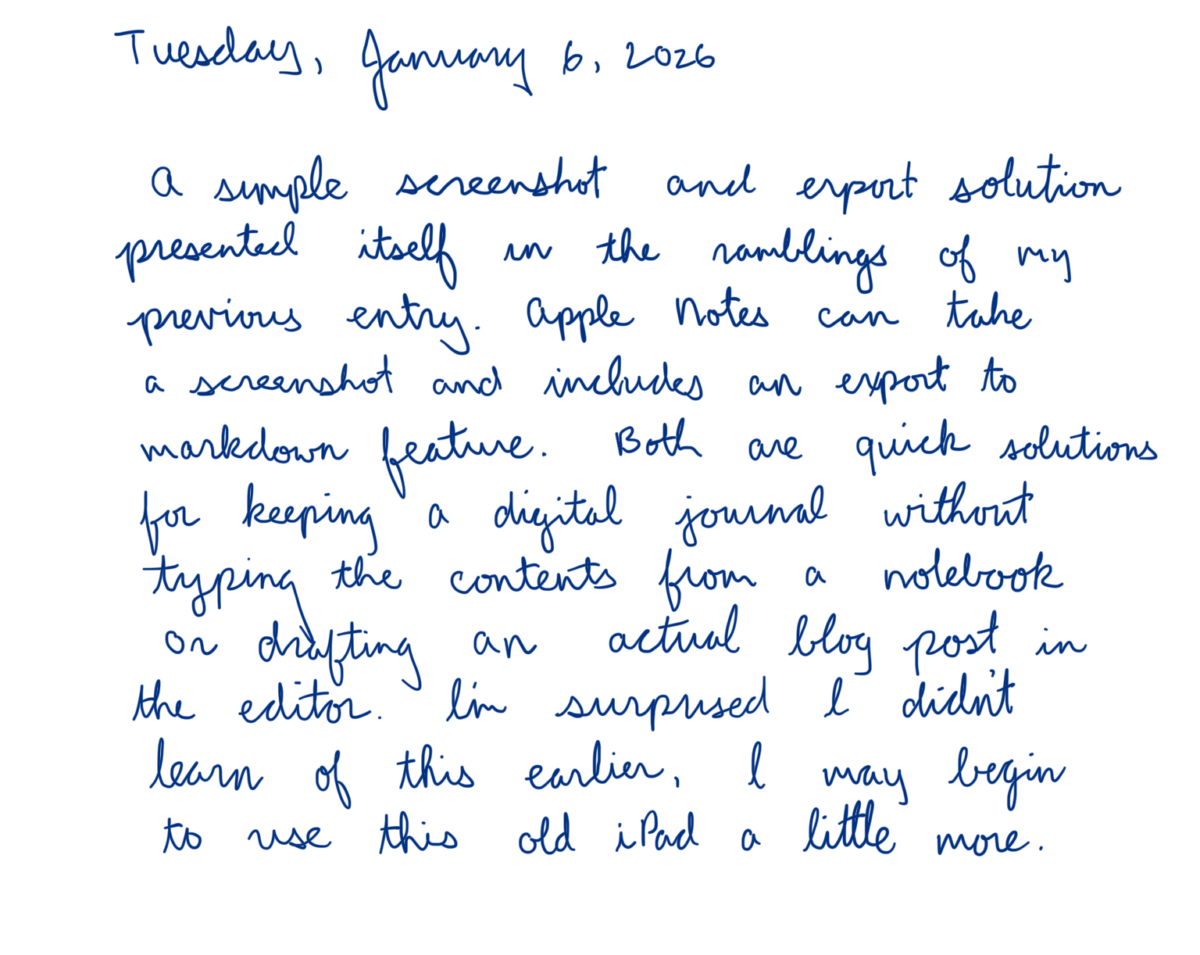
A simple screenshot and export solution presented itself in the ramblings of my previous entry. Apple Notes can take a screenshot and includes an export to markdown feature. Both are quick solutions for keeping a digital journal without typing the contents from a notebook or drafting an actual blog post in the editor. I’m surprised I didn’t learn of this earlier, I may begin to use this old iPad a little more.
Update: The Markdown export feature is only a link to the note.